
ThailandNavigator
Thailand Guide

Lost Card, Frozen Account or Missing Transfer in Thailand

Identify who to contact for a lost card, paused account or missing transfer in Thailand, with verified bank and scam-reporting channels and an evidence checklist.

Reading time
3 min read
Reviewed
Reviewed
Editorial owner
Thailand Navigator Editorial Team
Context
Bangkok
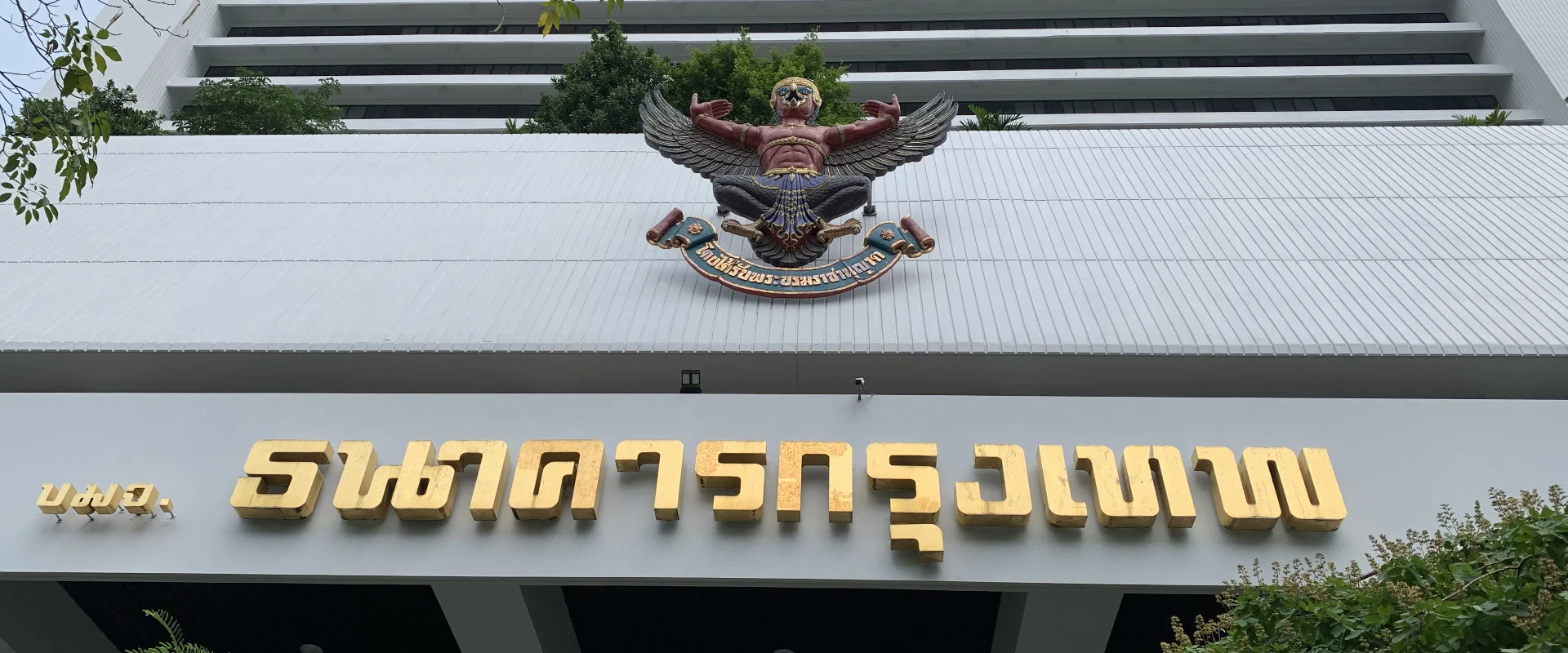
Bangkok Bank Head Office building on Silom Road
Bangkok Bank Head Office on Silom Road, Bangkok, photographed in 2021. Chainwit, CC BY-SA 4.0 (https://creativecommons.org/licenses/by-sa/4.0/). Cropped and resized. Original on Wikimedia Commons.
Contact your bank immediately for suspected account misuse. A bank or authority can confirm the procedure for your actual card, transaction or account restriction.
Quick answer

Call the issuer first if a card or account might be compromised

Use the phone number in your official bank app or on its own site. Save any case reference and contact Thailand’s AOC at 1441 for suspected online scams.

Card missing Freeze it if available and contact the card issuer promptly.
Account restricted Ask the bank who placed the restriction and how to verify your identity.
Transfer missing Verify the transfer status and ask the sending institution to trace it.

Choose the correct response for the incident

Choose the option that best matches your situation to see the most relevant part of this guide.

Start by identifying the incident. A lost card, a bank-imposed restriction, a transfer delay and an online scam use different processes. When you see unauthorised activity, contact your bank’s official emergency channel immediately, even if you are still collecting the evidence.

1

Act quickly if a card or banking phone is lost

1. Block or suspend the affected access. Use the official app’s freeze option if you have access, then call the issuer from an independently verified number. Ask whether it needs to cancel the card, suspend the app, lock digital wallet tokens or take additional steps. For a missing phone, check the SIM with your carrier and tell the bank you may have lost the device used for approval.

2. Identify suspicious transactions and ask about a dispute. Record the amount, currency, merchant, reference and time. Ask the bank to explain deadlines, the evidence it wants, case ID and replacement process. Bangkok Bank gives 1333 or +66 2 645 5555 for its 24-hour contact. Kasikornbank lists 02 888 8888 for its 24-hour urgent services. Use the issuer of your own card, including an overseas bank where applicable.

Treat an ATM retaining a card as a separate incident. Record the machine location, ATM operator, time and receipt if available. Contact the issuer and ATM operator using their own public contact details. The cash, cards and ATMs guide explains other payment options while the case is open.

2

Ask who placed the account restriction

Ask whether the issue is limited to electronic banking, a specific amount or transaction, or the whole account. Ask whether your bank initiated it or whether there is a police or Anti-Money Laundering Office reference. Request the branch or official channel that handles identity verification, the evidence required, the case number and the next time to follow up.

The Bank of Thailand describes different processes for a bank-raised check and an account identified by police or AMLO. If the bank tells you to attend a branch, confirm the exact branch and whether you need original identification, account records or evidence of the funds. Bangkok Bank and Kasikornbank show the identity of the banks and entry points to their services. Make the first contact through their official channels.

3

Trace the transfer with the sending institution

Open the transfer record and check status, payment method, the receiving bank, recipient identifier, amount, date and the reference. Ask your sending bank or provider to trace it before sending again. For an international wire, ask whether a payment confirmation or trace reference such as a UETR is available, and check whether a correspondent bank, currency or beneficiary detail can explain the delay. If using a transfer app, obtain its case ID and check the expected credit date.

If you sent money to the wrong recipient, tell the sending institution and ask about its recovery or recall procedure. Keep the confirmation and do not assume reversal is immediate or guaranteed. If someone says they accidentally sent you money, ask your bank how to handle it before moving funds to any account another person supplies.

4

Report a suspected scam and keep the case evidence

For suspected online fraud, call your bank promptly and Thailand’s Anti-Online Scam Operation Center at 1441. The ministry identifies 1441 as its official AOC contact. Keep the Bank Case ID, any police reference and the timeline. Save statements, payment details, messages and screenshots, and submit them only through the official service’s secure process. Never read out a PIN, password or one-time code to someone who calls you.

Follow up with the institution using the original reference. If the issue remains unresolved, ask the Bank of Thailand about its official financial consumer process. Keep supporting records separately if they affect a personal tax record or your business banking records. Check the consumer protection office for its own jurisdiction on any related merchant dispute.

Sources and review

Sources used for this guide

Sources are reviewed regularly so important changes can be reflected in the guide.

Suggest content

Help us improve Thailand Navigator.
What would you like to do?

Current location: Bangkok

Your account, current page and submission date are recorded automatically.

Community experiences

Reviews of Lost Card, Frozen Account or Missing Transfer in Thailand

Read first-hand experiences, then share your own.

Write a review
Loading member reviews…
Reviews reflect members’ own experiences.

Want to write a review?

Closing this prompt will not remove your rating.

Choose language

Select the language used across Thailand Navigator.

You can change this any time from the language menu.